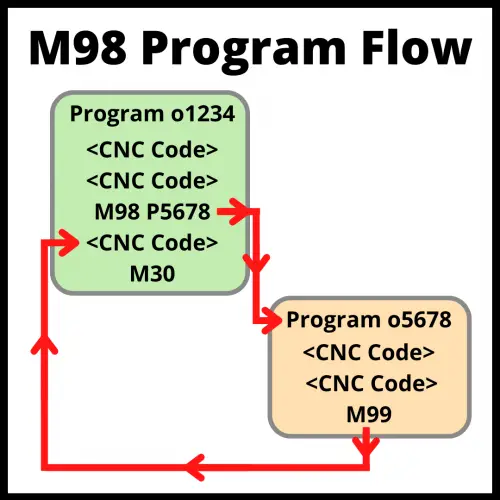
M98 is the CNC code that calls a subprogram by program number. When the machine reads M98, it stops running the current program and jumps to a separate program stored on the controller. When that subprogram finishes, the machine returns to where it left off and keeps running.
Key Takeaways
- M98 calls a separate CNC program (subprogram) by its program number
- The subprogram must end with M99 — this sends the machine back to the main program
- Use the P word to specify which program to call, and the L word to repeat it
- Whether your machine uses L or K for repetitions depends on the controller — always check the manual
- M98 calls an external subprogram; M97 jumps to a section inside the current program
| M98 – At A Glance | |
|---|---|
| Function | Subprogram call by program number |
| Format | M98 P____ |
| Repeat parameter | L or K (depends on control) |
| Ends with | M99 in the subprogram |
| Type | Non-modal |
What Does M98 Do?
M98 tells the CNC machine to go run a different program. That other program is called a subprogram.
The machine jumps from the current line to the beginning of the subprogram. It runs every line in that subprogram. At the end of the subprogram, the M99 code sends the machine back to the line right after the M98 command. Then the main program continues as normal.
M98 Format and Parameters
Here is the basic format:
M98 P5678This tells the machine to go run program number 5678 using the P code. When that program ends with M99, the machine comes back and picks up where it left off.
You can also repeat the subprogram using the L word (or K word, depending on your machine):
M98 P5678 L3This runs program O5678 three times before returning to the main program. If you leave out L, the subprogram runs once.
COMMON MISTAKE – L vs K for Repetitions
Some CNC controllers use L to set the number of repetitions. Others use K. Using the wrong one won’t always throw an alarm — the machine might just ignore it and run the subprogram once.
If your subprogram isn’t repeating like you expect, check your machine manual to confirm which word your control uses.
What Are Subprograms Used For?
Subprograms are used for any operation you need to repeat in a program. Common examples include drilling patterns, tool change routines, and finishing passes that happen at multiple locations.
Using subprograms keeps your main program short and easier to read. If something needs to change — like a feed rate or depth — you fix it in one place instead of hunting through dozens of repeated lines.
Benefits of Using Subprograms
The biggest benefit is a shorter, cleaner main program. Fewer lines means fewer places for errors. It also means less editing if something needs to change later.
Subprograms are especially useful when a machining sequence repeats at many locations across a part. Think of bolt hole patterns, pockets at multiple heights, or standard deburring passes.
Drawbacks to Watch Out For
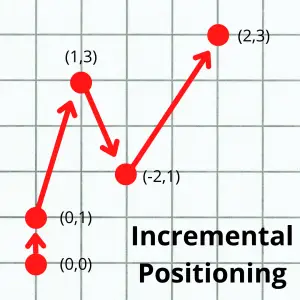
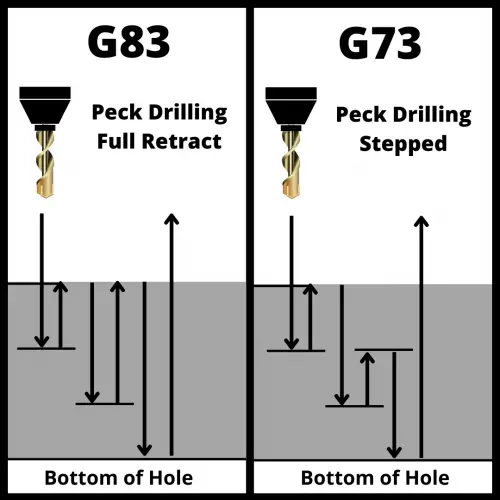
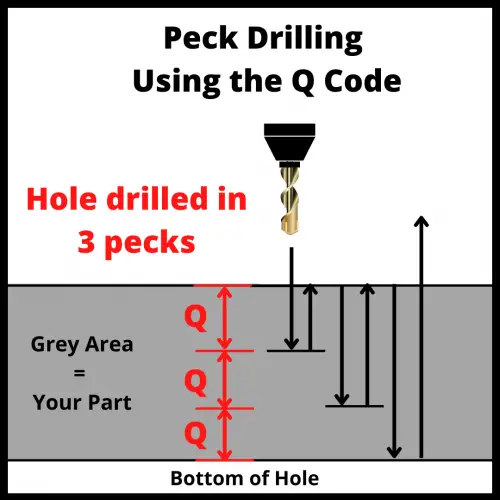
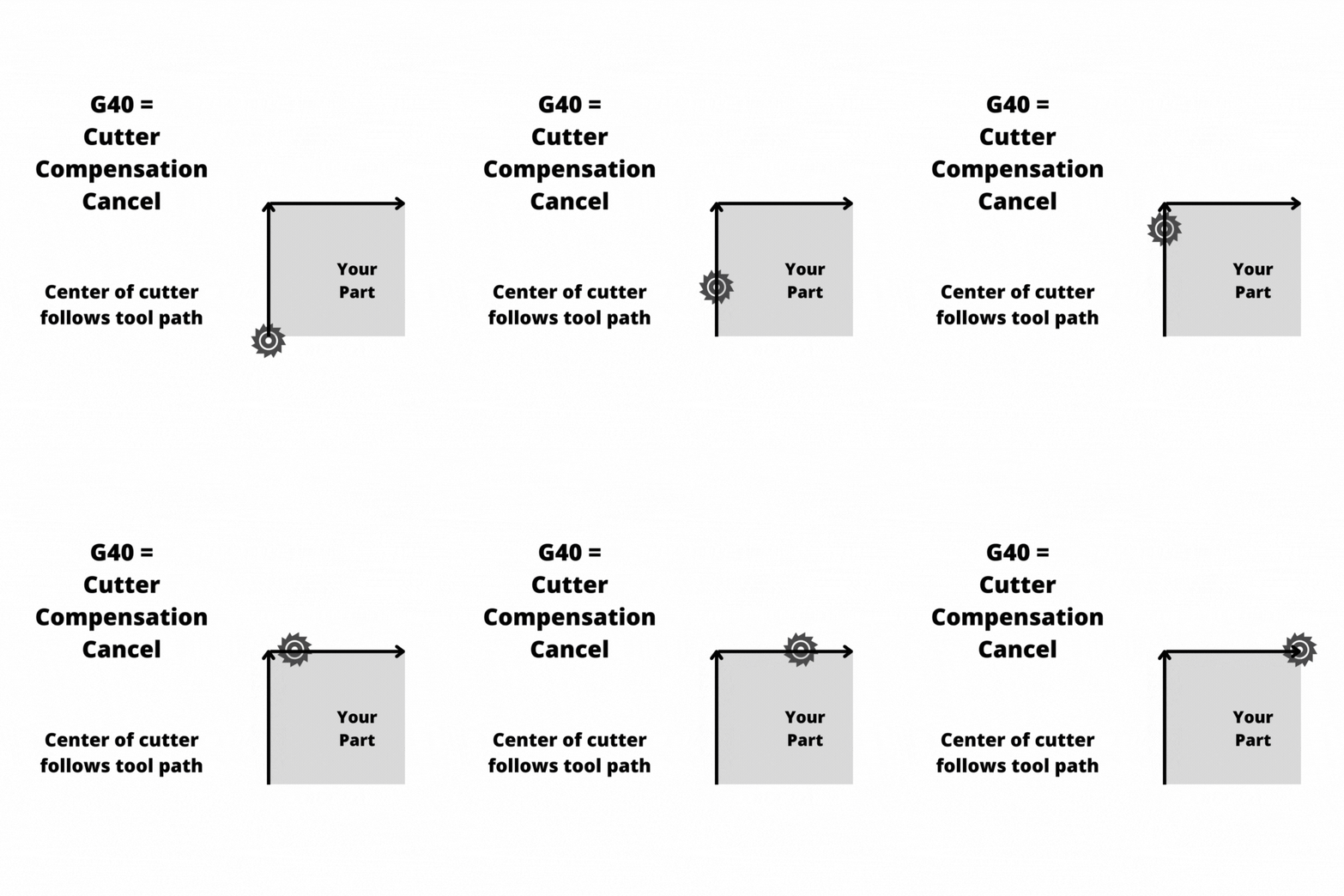
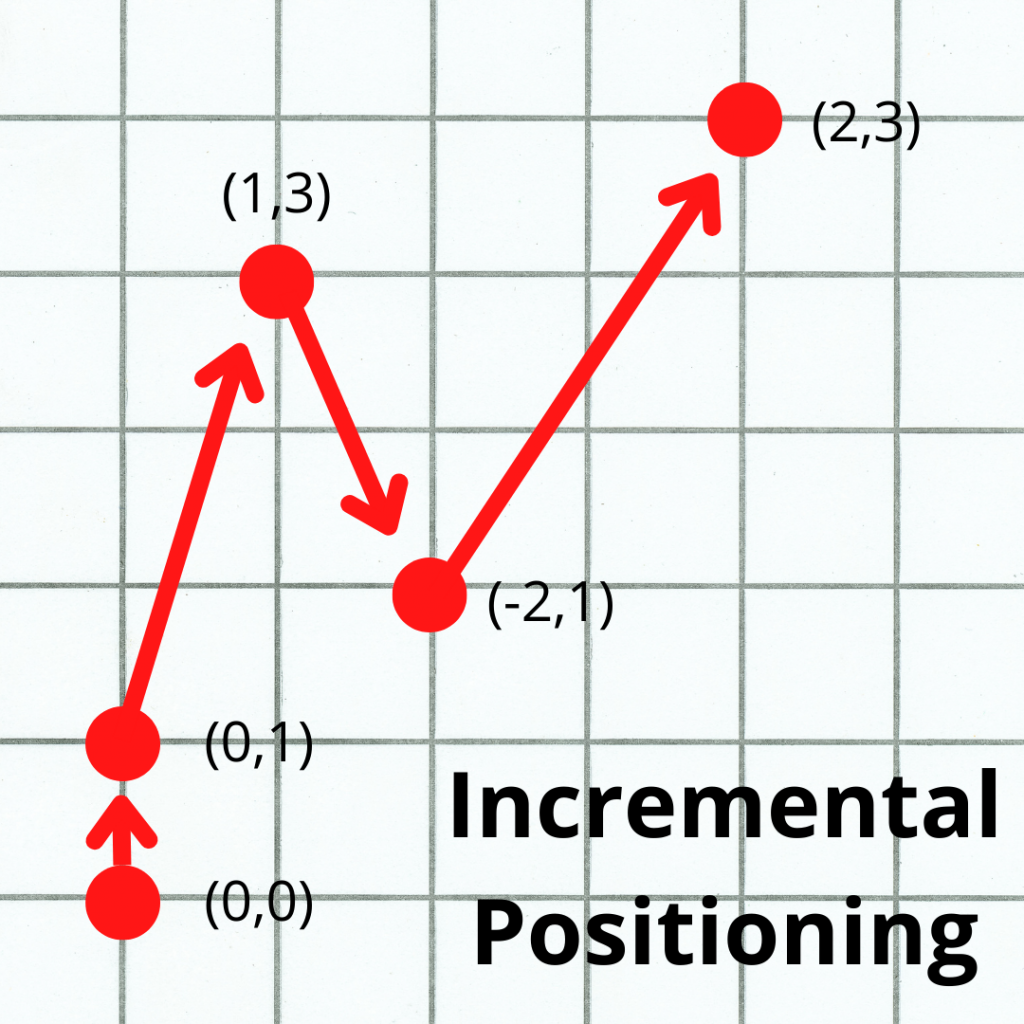
Subprograms can backfire if they’re not set up carefully. The most common issue is modal commands carrying over in ways you didn’t expect. If the subprogram leaves the machine in the wrong mode — like incremental positioning or an active canned cycle — the main program can behave unpredictably when it resumes.
Use safety blocks at the start and end of subprograms to confirm the machine is in the state you expect. Don’t assume the mode is correct — set it explicitly.
Nesting subprograms (calling a subprogram from within a subprogram) is another potential issue, mostly because it can quickly get complicated. Most controllers allow up to four levels of nesting, but even two levels can get confusing fast. For most applications, one level deep is enough.
A Real Example: M98 in a Program
Here is what M98 looks like inside an actual program. The main program calls a subprogram to drill a hole pattern at two different locations.
Main program (O0100):
O0100
G90 G54 G00 X0.0 Y0.0     (Move to first location)
M98 P5001 L3               (Run subprogram 5001 three times)
G00 X5.0 Y0.0              (Move to second location)
M98 P5001 L3               (Run subprogram 5001 three times again)
M30                        (End of main program)
Subprogram (O5001):
O5001
G91 G81 Z-1.0 R0.1 F8.0   (Drill one hole in incremental mode)
X1.0                       (Step over and drill again)
G90 G80                    (Cancel canned cycle, back to absolute)
M99                        (Return to main program)
Each time the main program calls O5001, the machine drills two holes and comes back. Instead of writing that drilling sequence six times, you write it once and call it as needed.
Differences Between the Main Program and a Subprogram
The main program ends with M30 (or M02 on older machines). The subprogram ends with M99.
When M99 runs, the machine returns to the line right after the M98 call in the main program. The main program then continues from that point. Nothing is reset automatically — whatever modal codes were active when you called the subprogram are still active when you return.
M97 vs M98
There are two codes you can use to call a subprogram, M97 and M98. The difference is where they look.
M97 jumps to a line number inside the current program. The subprogram is embedded right there in the same file.

M98 runs a completely separate program stored on the machine. Use M98 when the subprogram is something you want to reuse across multiple main programs.
Tips for Numbering Your Subprograms
Set up a numbering system before you have too many programs to keep track of. Some shops reserve a block of numbers for subprograms — for example, O0001–O4999 for main programs and O5000–O9999 for subprograms.
Another common approach is to number subprograms close to their parent program. If the main program is O1000, its subprograms are O1001, O1002, and so on. This makes it easy to find everything related to a job.
FAQS
What happens to modal codes when M98 calls a subprogram?
Modal codes stay active across the subprogram call. If G91 (incremental mode) is active when M98 runs, the subprogram starts in incremental mode.
If the subprogram changes a modal code and doesn’t reset it, that change carries back to the main program when M99 runs. Always end your subprograms with safety blocks to confirm the machine state.
Can I call M98 inside a subprogram?
Yes — this is called nesting. Most controllers support up to four levels of nesting. That means a subprogram can call another subprogram, which can call another, and so on.
In practice, one level is usually enough. Deep nesting is hard to troubleshoot and easy to lose track of.
Do I need to store the subprogram on the same device as the main program?
Yes. For M98 to work, the subprogram called by the P word must already be stored in the controller’s memory. The exact requirements depend on your specific machine and control (Fanuc, Haas, Mazak, etc.). Check the manual if you get a program-not-found alarm.
What is the difference between M98 and M97?
M97 jumps to a line number inside the current program. M98 calls a completely separate program by its O number. Use M97 when the subprogram is short and only used by that one main program. Use M98 when the subprogram is reused across multiple jobs.